


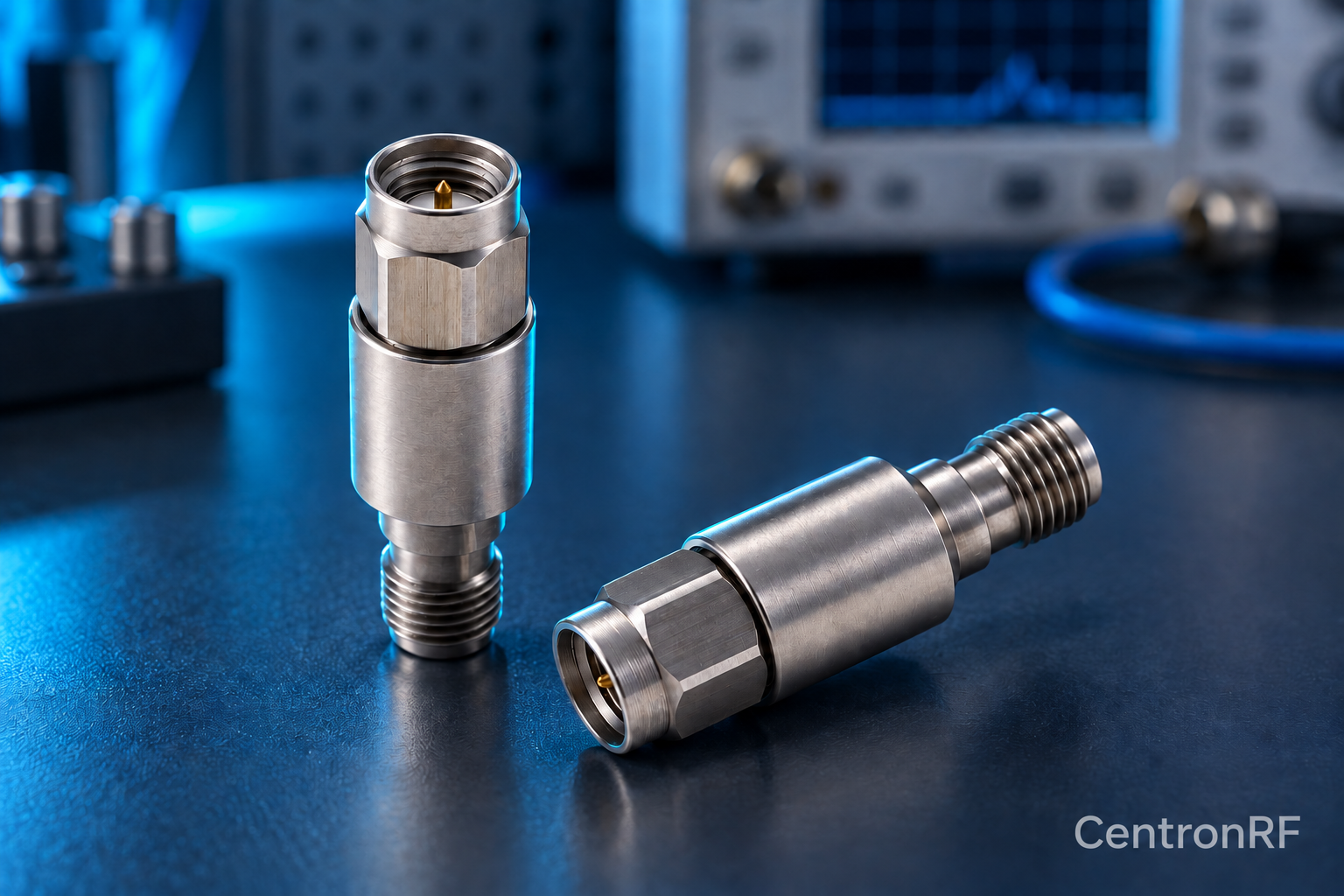
Inspect an RF attenuator's connectors and body before connecting it, particularly when it protects a sensitive instrument input.
How it works in practice
Check for bent or missing center contacts, debris, damaged threads and loose bodies. Use connector-compatible inspection and cleaning guidance. Support the housing while mating and avoid twisting the cable or entire assembly. If damage is suspected, characterize the component separately at low power before use in the production setup.
Example and interpretation
An apparently small connector defect can change match and repeatability even when DC continuity still looks normal.
Checks before use
- Inspect both interfaces
- Follow the connector cleaning guidance
- Use the specified mating procedure
- Verify loss and match after suspected damage
Important limit
Do not force a connection or use the attenuator body to torque an instrument port.
Related Centron RF product
SMA 5 W 6 GHz fixed attenuator. The SMA 5 W model is listed as a 50-ohm fixed attenuator with a DC–6 GHz range. Select an available attenuation option and verify the current tolerance, cooling conditions and pulse limits for your application.
Further reading
Keysight: Spectrum Analysis Basics. This background reference explains general principles; the selected Centron RF model’s datasheet governs its own ratings.
Related guides
- How to Choose an RF Attenuator: Power, Bandwidth and Connectors
- What Is a Fixed RF Attenuator Used For?
Educational guide. Numerical examples use the stated assumptions and are not test results for a supplied unit.